Cut smarter.
Waste less.
Build faster.
Sawvy is the cut list optimizer that helps woodworkers, cabinet makers, and builders plan projects, minimize waste, and generate print-ready cut sheets in seconds.
No credit card required. Free plan includes 2 projects & 3 pieces.
Everything you need
Built for real woodworkers
From the first sketch to the final cut, Sawvy keeps your projects organized and your material waste low.
Project Organization
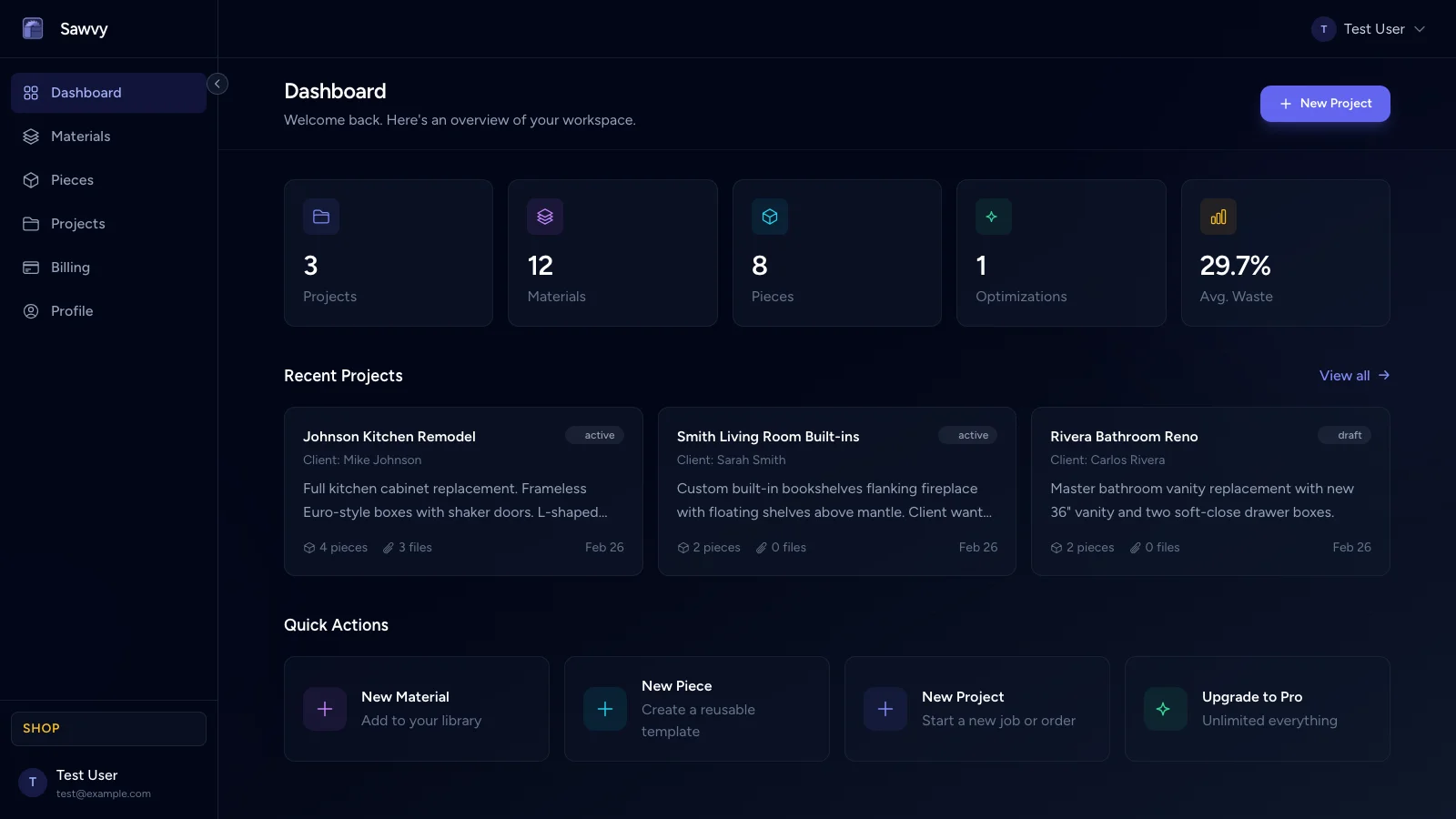
Keep photos, notes, checklists, pieces, and materials in one place. Every project stays organized from planning to completion.
Sheet Nesting Optimizer
Our algorithm arranges your parts on sheets to minimize waste. Save material and money on every build.
Grain & Edge Banding
Specify grain direction and edge banding requirements per part. The optimizer respects your constraints automatically.
Material Cost Tracking
Track costs per sheet or board. See total material costs per project and know exactly what your build will cost before you cut.
Invoice Generator
Create professional invoices from your optimization results. Auto-populate material costs, add labor, tax, and export client-ready PDFs.
PDF Export
Download professional PDF layouts with part labels, dimensions, and sheet diagrams. Share with your team or keep for records.
Simple workflow
How it works
Three steps. That's all it takes to go from an idea to optimized cut sheets.
Create a Project
Set up your build with a name, photos, notes, and a checklist. Everything lives in one place so nothing gets lost between the shop and the screen.
Add Pieces & Materials
Add your sheet materials (plywood, MDF, melamine) and create pieces — each with named parts, dimensions, quantity, and grain requirements.
Optimize & Export
Hit optimize and Sawvy arranges every part on your sheets to minimize waste. Review the layout, then download a print-ready PDF cut sheet to take to the saw.
See it in action
From scattered parts to optimized sheets
Watch as Sawvy takes your cut list and arranges every part onto your materials for maximum yield. The algorithm accounts for saw kerf, grain direction, and part quantity to minimize waste on every sheet and board.
- Guillotine-cut compatible layouts for table saws
- Configurable saw kerf width per material
- Respects grain direction for veneered panels
Simple pricing
Pick the plan that fits your shop.
Start free, upgrade when you need more.
Starter
Perfect for one-off projects or trying Sawvy out.
- 2 projects
- 3 pieces
- Sheet nesting optimizer
- PDF cut sheet export
- Notes & checklists
Pro
More projects, file uploads, and cost tracking for serious builders.
- 15 projects
- 50 pieces
- 10 files per project & piece
- Sheet nesting optimizer
- PDF cut sheet export
- Material cost tracking
Shop
Maximum capacity for production shops and businesses.
- 100 projects
- 200 pieces
- 25 files per project & piece
- Sheet nesting optimizer
- PDF cut sheet export
- Material cost tracking
- Invoice generator with PDF export
Start optimizing your cuts today
Join woodworkers and cabinet makers who save hours of planning and hundreds of dollars in wasted materials every month.
No credit card required. Free plan includes 2 projects & 3 pieces.