The project planner for DIY woodworkers
You don't need to be a professional to plan like one. Sawvy gives hobby woodworkers and weekend warriors the same cut list optimization and project organization tools that pros use, without the learning curve or the price tag.
The problem
You sketch parts on the back of a plywood sheet and hope they all fit, only to realize mid-project you need another sheet.
Keeping track of parts, dimensions, and materials across napkin notes, phone photos, and spreadsheets is chaotic.
You buy extra material “just in case” which adds up over time, especially with premium plywood.
Re-doing cuts because you forgot which piece goes where is frustrating and wastes your limited shop time.
How Sawvy solves this
Free plan for small projects
Sawvy’s free plan includes 2 projects with up to 3 pieces each and full optimizer access. Perfect for a bookshelf, workbench, or storage project.
Simple part entry
No CAD skills needed. Create a piece, then add parts with a name, width, height, and quantity. Sawvy does the rest.
Project organization
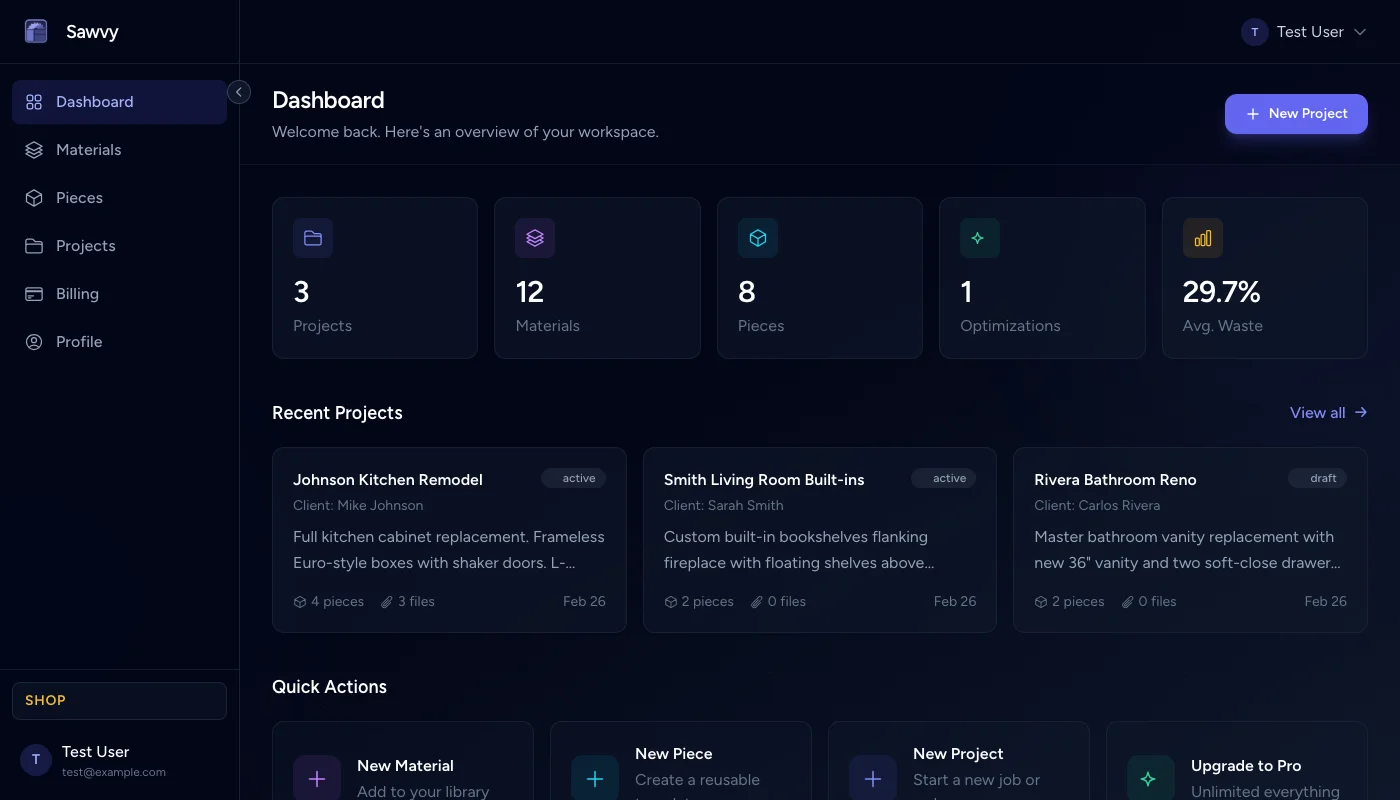
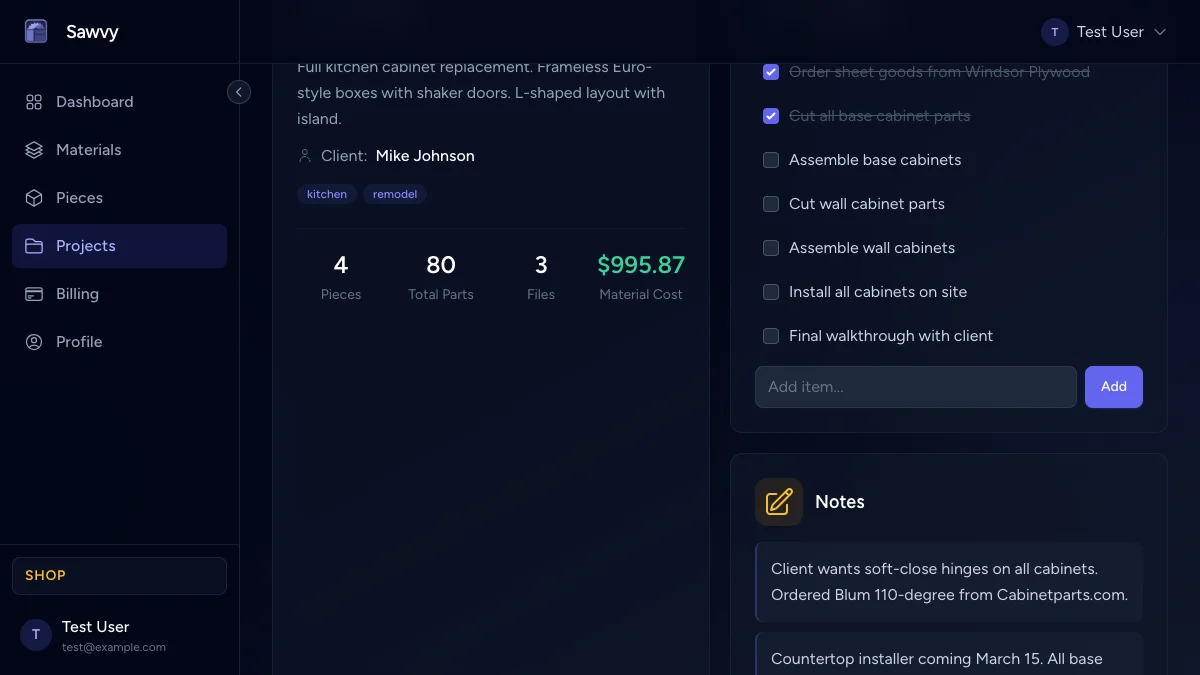
Upload inspiration photos, write build notes, and track your progress with checklists. Everything is in one place.
Printable cut list
Generate a labeled cut diagram and take it to the garage. Every cut is mapped out so you don’t have to think twice.
Key features for diy woodworking
No signup friction
Create an account in seconds with just an email. Start optimizing your first project in under 5 minutes.
Visual sheet layout
See exactly where every part goes on each sheet. Color-coded diagrams make it easy to understand at a glance.
Mobile friendly
Access your projects from your phone in the shop or your laptop at the desk. Sawvy works on any device.
Budget planning
Set costs per sheet or board and see the total material cost after optimization. Know what your project will cost before you head to the store.
Frequently asked questions
- Is Sawvy free for small DIY projects?
- Yes. The free plan includes 2 projects with up to 3 pieces each and full optimizer access. It is perfect for a bookshelf, workbench, or storage project.
- Do I need CAD skills to use Sawvy?
- Not at all. Create a piece, add parts with a name, width, height, and quantity — Sawvy handles the rest. No CAD or nesting experience required.
- Can I access my projects from my phone in the shop?
- Yes. Sawvy is fully responsive and works on any device. Pull up your cut sheet on your phone right at the saw.
- How does Sawvy help me buy the right amount of plywood?
- After optimization, Sawvy tells you exactly how many sheets you need. No more over-buying just in case — you know the exact count before heading to the store.
- Can I keep build notes and photos with my project?
- Yes. Upload inspiration photos, write build notes, and track your progress with checklists — all attached to the project in one place.
Start optimizing your cuts today
Join woodworkers who are saving time, materials, and money with Sawvy.